Film looks · made on your device
Make every photo feel shot on film.
Filterio builds a film photograph from three layers — a film, a camera and a lens. Pick a combination, see the photo change instantly, and save it. Everything happens on your iPhone.
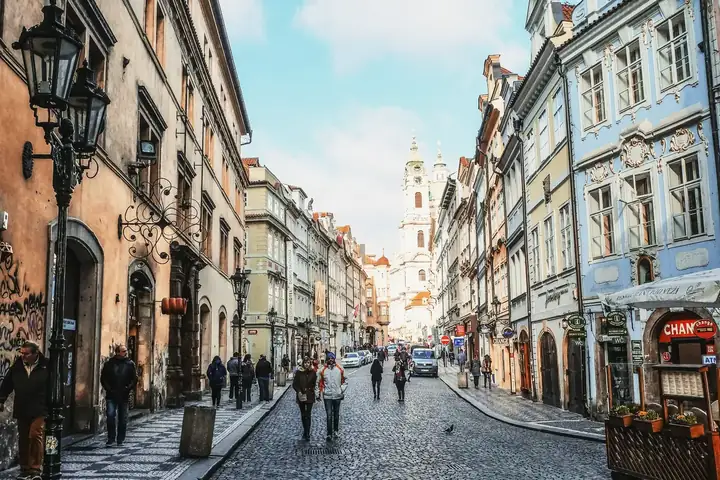 Golden Day 20001A ▸
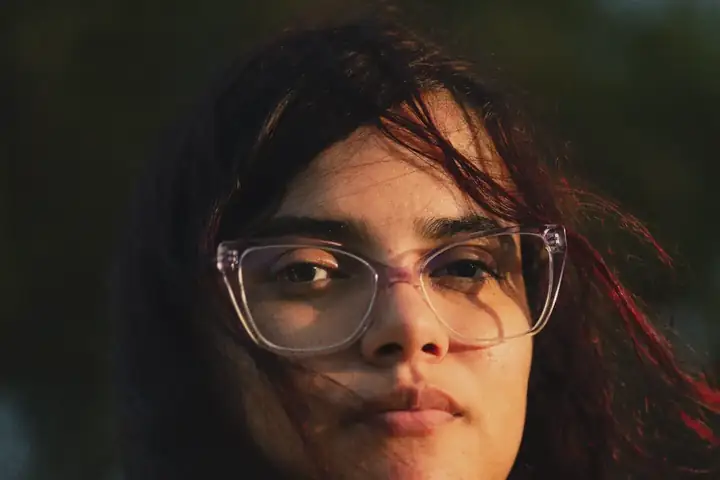 Soft Portrait 40002A ▸
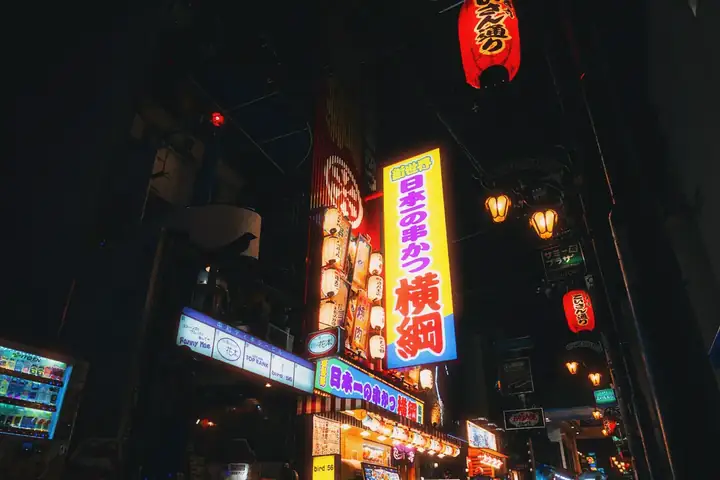 Night Cinema 800T03A ▸
 Bright Slide 5004A ▸
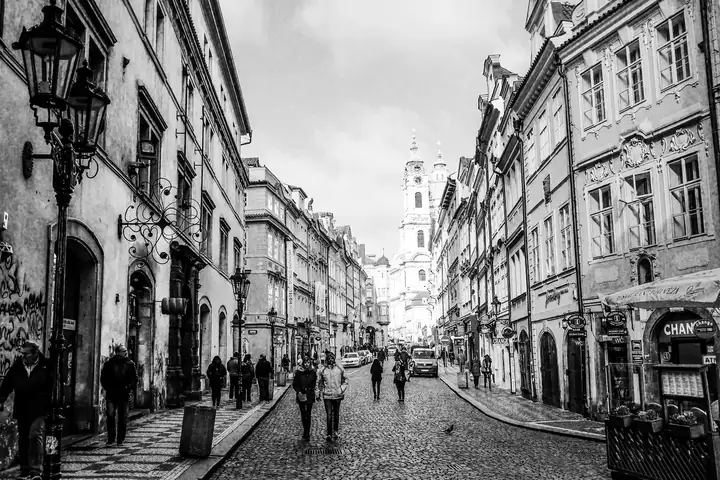 Classic B&W 40005A ▸
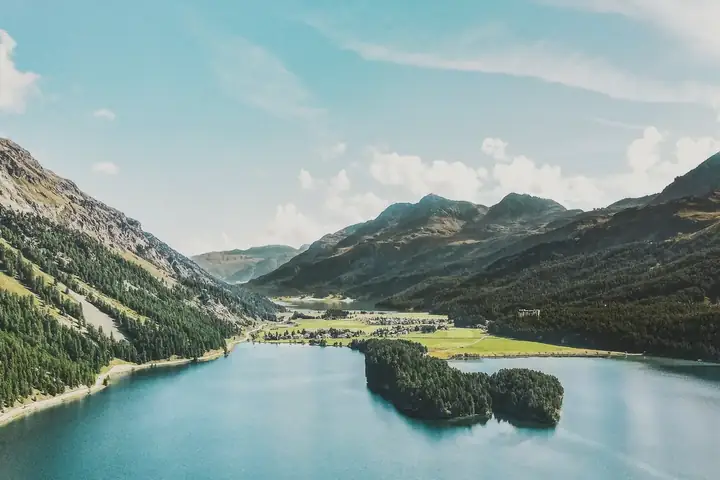 Pastel 40006A ▸
Three layers. One look.
Every filter in Filterio is a combination of three things, just like a real film shot.
Film
Sets colour, contrast and grain — from soft portrait colour and bright slide to classic black & white and night cinema.
Camera
Sets the frame format, vignette and light character — from a folding instant camera to a medium-format 6×6 and a toy camera.
Lens
Sets sharpness, edge softness and bokeh — from a clean lens to a swirly vintage 58 mm or a plastic single-use lens.
Open or shoot a photo, tune the look, add a frame and caption, then Save.
Everything a film look needs
Built around real capabilities of the app — no accounts, no sign-up, no cloud.
More than 60 ready-made looks
A Trending group of 15 looks comes first — digicam flash, camcorder ’97, teal & orange — then soft portrait, bright slide, classic B&W, night cinema, instant shots, a toy camera and more. One tap to try.
Build your own
Combine any of 50 films, 16 cameras and 19 lenses, then save your combination to Favorites.
Strength & adjustments
A filter-strength slider plus manual exposure, temperature, tint, contrast, fade, grain and vignette.
Compare instantly
Touch and hold to see the original, or drag a split view to compare before and after.
Frames
Instant photo (white and black), film edge with a FILTERIO print, thin frames, square 1:1 and portrait 4:5.
Captions & date stamp
Add a typed or handwritten caption on the frame, and imprint the capture date like film cameras did.
Camera with a live filter
Shoot with the film look right in the viewfinder; a frame is saved only when you tap the shutter.
Batch & video
Apply the current look to up to 100 photos at once, or to a video file — sound is kept.
Works in Photos & Shortcuts
Use Filterio as an editor inside Photos (edits stay revertible), open images from other apps, or run the “Apply Preset” Shortcuts action.
Your save settings
Save as HEIC or JPEG with adjustable quality, keep or drop location data, and optionally add a small Filterio mark (off by default).
Light, dark or system
Pick the app theme in Settings: System, Light or Dark.
English and Russian
The whole app, including film and camera names, is available in English and Russian.
Same photo. Different film.
Pick a photo and one of eight looks from the app’s catalog, then drag the divider to compare with the original.
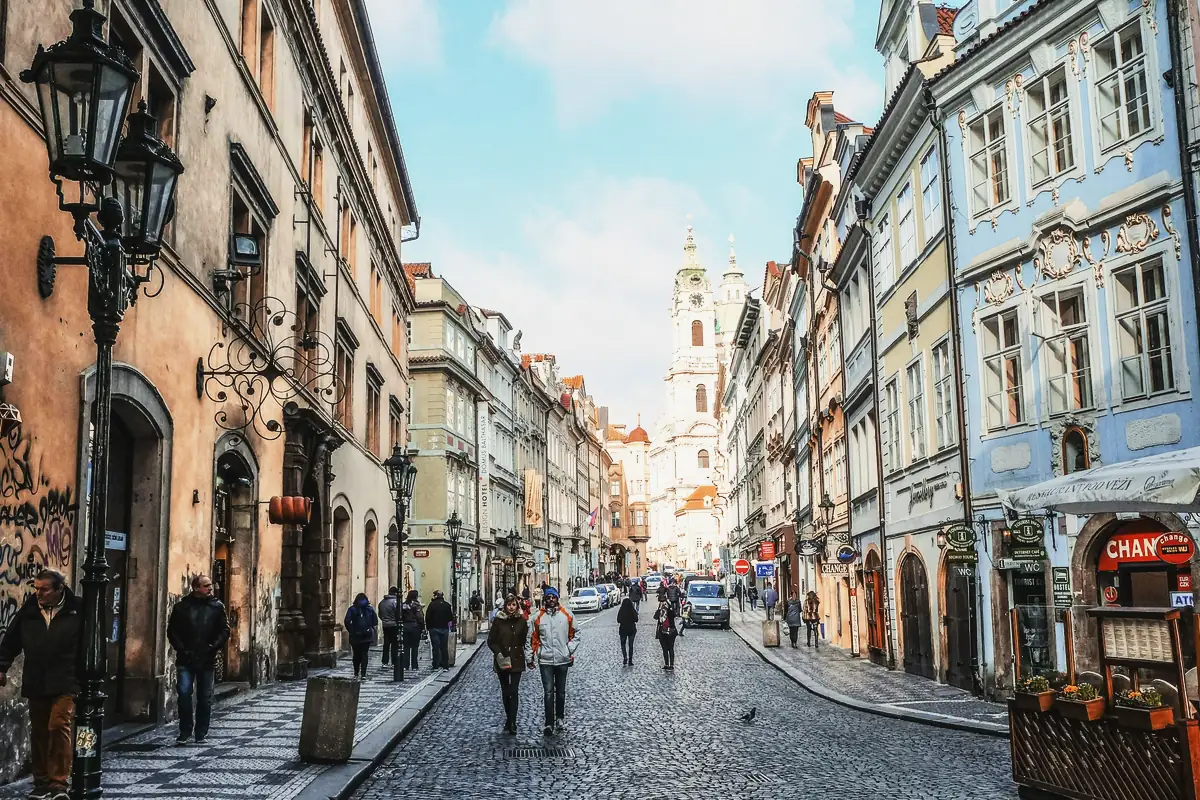
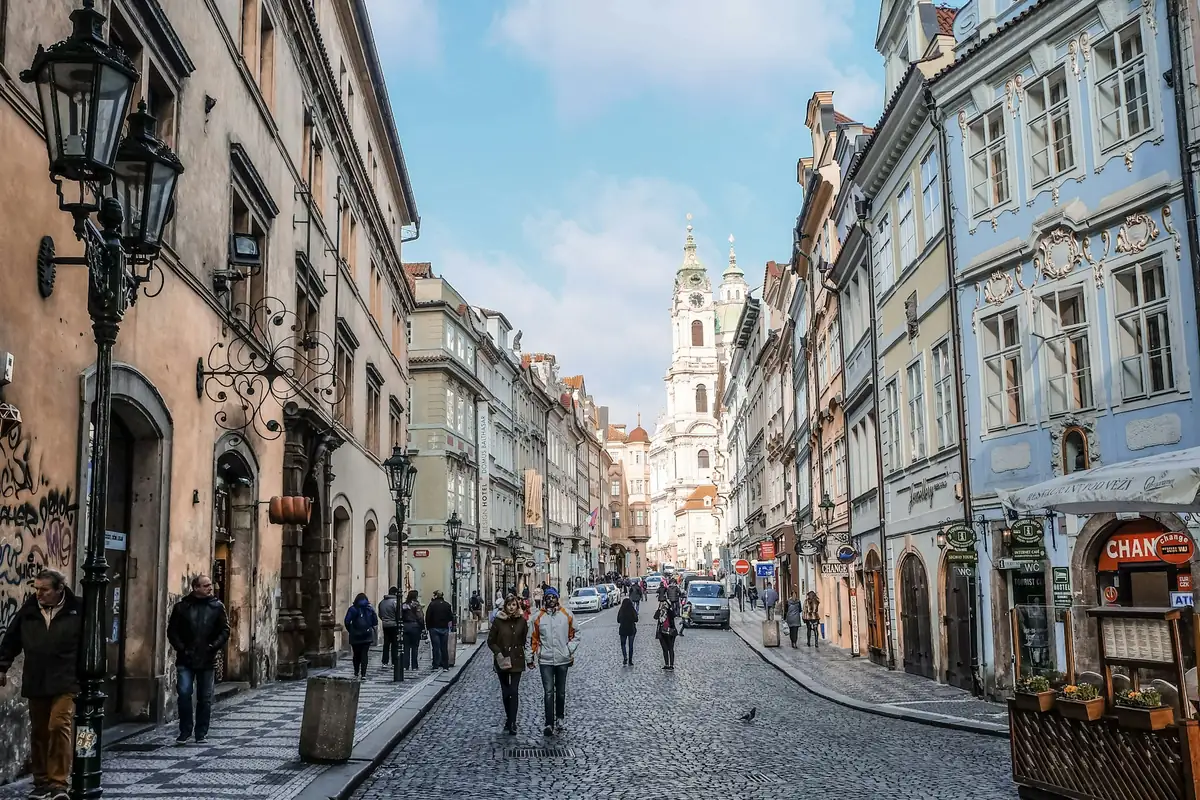
1 · Photo
2 · Look
Drag the divider (or use the arrow keys) to compare with the original.
Examples are rendered offline from the app’s film settings (colour LUT, saturation, contrast, tone curve, halation, vignette and grain) and are approximations of what the app produces.
A whole film shelf in your pocket
Film, camera and lens names in Filterio are descriptive and describe the character of a look.
●Trending (14)
●Colour negative (14)
●Slide (6)
●Black & white (10)
●Instant (2)
●Cinema (3)
●Matte (1)
●Cameras (16)
●Lenses (19)
Ready-made combinations
Plus “No camera” and “Clean” lens options, if you want the film look alone. Looks are stylistic approximations, not measured emulations. Filterio is not affiliated with any film or camera manufacturer.
Your photos stay yours.
Filterio has no accounts, ads, analytics or third-party SDKs. Photos and videos are processed only on your device and are never uploaded.
Read the Privacy Policy- All processing happens on-device
- Your originals are never changed
- No tracking, no ads, no sign-up
- Remove location from saved photos